Presence
Solid 2UnstableA photo gallery that slides the way you go
Swipe or step through the collection's photos: each comes in from the side you're heading to, and the last one leaves by the other.
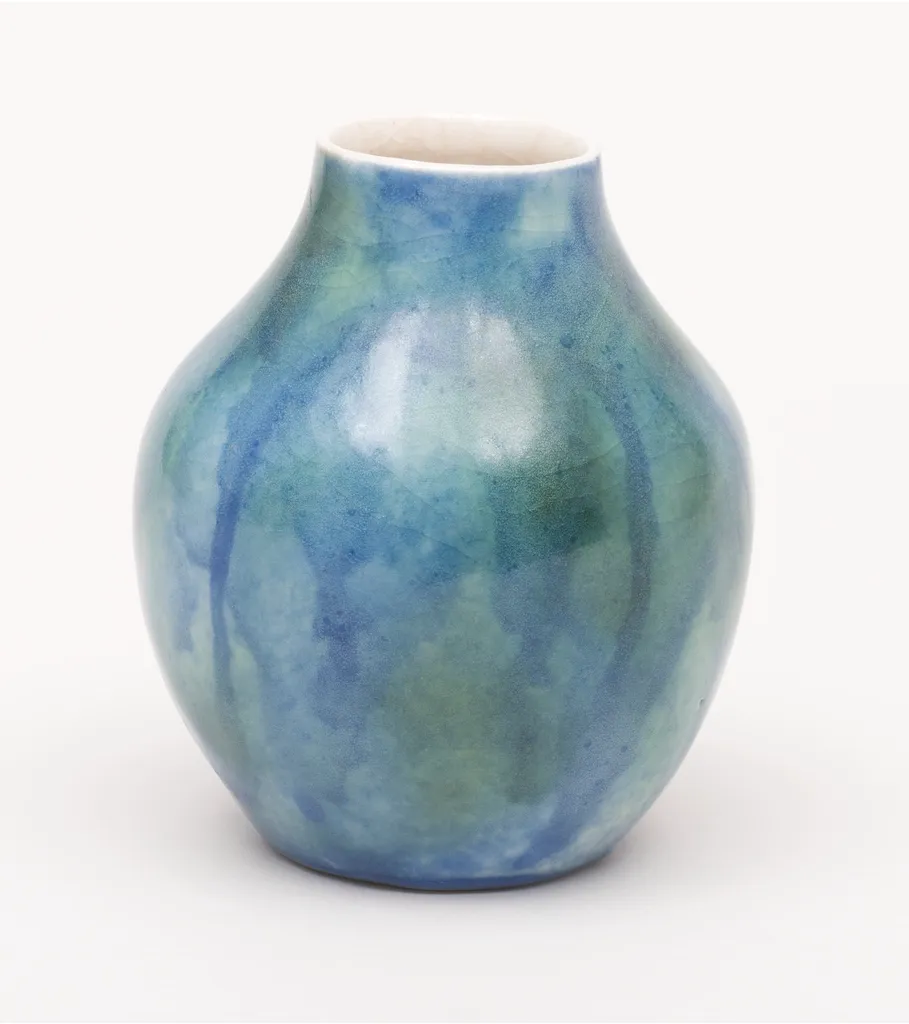
Lagoon Vase · 1 of 5
Reduced motion: The photos cross-fade in place. The demo gives the slide no distance under reduced motion (the system's setting through createReducedMotion, or the header's switch): left to Wardic's rule, which snaps a positional value to its target, a leaving photo would jump aside at once and fade there.
Why
A gallery says which way you went by where the photos go: forward, the next one comes in from the right and the last one leaves to the left; back, the other way round. The direction belongs to the change, not to either photo.
Both photos read it from variants that are functions: enter and exit take the direction and say where to start or end. The new photo resolves enter with its own custom. The leaving photo can't: it has already left, and takes no new props. It resolves exit with the presence's custom instead, read as it leaves, so it's always the latest.
Swipe the photo, or use the arrows, the thumbnails, or the left and right arrow keys once the photo has focus.
A swipe is a drag across, held at the centre (dragConstraints of 0 each way) but followed all the way (dragElastic: 1). At the release, its distance times its speed says whether it was a swipe, as Motion's slideshow judges one. A swipe steps, and its photo goes on out the way it was thrown: the exit's x takes over from the drag's spring back. Anything softer springs back to the centre. On Solid 2 the photo's ward holds the drag, made once and given to each photo in turn, and an effect over swipe.when("dragEnd") hears each release; on Solid 1 it's the photo's onDragEnd.
The code
Motion changes the photo by giving it a new key: React unmounts the old element, which AnimatePresence keeps for its exit, and mounts a new one. Solid has no keys on elements: <Show when={…} keyed> makes a new photo each time the piece shown changes, and the presence takes the old one out the same way. The swipe is the same test on the drag's release, from the photo's onDragEnd (Solid 1's too); Solid 2 gives each photo in turn one ward that holds the drag, and hears its releases through when("dragEnd").
import { PRODUCTS } from "@wardic/example-storefront-shared/catalog"
import { photoOf, srcsetOf } from "@wardic/example-storefront-shared/images"
import { AnimatePresence, ward, wardic } from "@wardic/solid/unstable/v2"
import { createEffect, createSignal, For, Show } from "solid-js"
import { useReducedMotion } from "~/lib/preferences.tsx"

// The photo coming in arrives from the side you're heading to, and the one leaving goes out the
// other side. Both read which way you went: the new photo from its own `custom`, the leaving one
// from the presence's, since a photo that has already left takes no new props.
const slide = {
  enter: (direction: number) => ({ x: direction * 320, opacity: 0 }),
  center: { x: 0, opacity: 1 },
  exit: (direction: number) => ({ x: direction * -320, opacity: 0 }),
}

const glide = {
  x: { type: "spring", stiffness: 300, damping: 32 },
  opacity: { type: "tween", duration: 0.2 },
} as const

// A swipe, as Motion's slideshow judges one: the release's distance times its speed, across. A
// throw to the left goes forward, to the right back; anything softer springs back to the centre.
const SWIPE = 10_000
const swipeOf = (offset: number, velocity: number) => Math.abs(offset) * velocity
const stepOf = (offset: number, velocity: number) => {
  const swipe = swipeOf(offset, velocity)
  if (swipe < -SWIPE) return 1
  if (swipe > SWIPE) return -1
  return 0
}

const PIECES = ["lagoon-vase", "moon-vase", "bottle-vase", "tulip-bowl", "blossom-jar"].map((id) => {
  const piece = PRODUCTS.find((product) => product.id === id)
  if (piece === undefined) throw new Error(`No product "${id}"`)
  return piece
})

export default function Gallery() {
  const [at, setAt] = createSignal(0)
  // +1 forward, -1 back: set before the photo changes, so both photos read it.
  const [direction, setDirection] = createSignal(1)
  // Under reduced motion the photos cross-fade in place: the slide has no distance. (Left to the
  // rule for positional values, a leaving photo would jump aside at once and fade there.) The
  // system's setting, or the header's switch.
  const reduced = useReducedMotion()
  const way = () => direction() * Number(!reduced())
  const go = (to: number) => {
    if (to === at()) return
    setDirection(Math.sign(to - at()))
    setAt((to + PIECES.length) % PIECES.length)
  }
  // The photo's ward, made once and given to each photo in turn (#349); one leaving under the
  // presence doesn't count. It holds what it hears, the drag: across, held at the centre, followed
  // all the way (#398). Each release, through `when` (#355): a swipe steps, its photo going on out
  // the way it was thrown.
  const swipe = ward({ drag: "x", dragConstraints: { left: 0, right: 0 }, dragElastic: 1 })
  createEffect(swipe.when("dragEnd"), ({ offset, velocity }) => {
    const step = stepOf(offset.x, velocity.x)
    if (step !== 0) go(at() + step)
  })

  return (
    <div class="gallery">
      <div
        class="gallery-stage"
        tabindex="0"
        role="region"
        aria-roledescription="carousel"
        aria-label="Photos: left and right arrow keys move between them"
        onKeyDown={(event) => {
          if (event.key === "ArrowRight") go(at() + 1)
          if (event.key === "ArrowLeft") go(at() - 1)
        }}
      >
        {/* initial={false}: the first photo is there when the page opens; only changes slide. */}
        <AnimatePresence custom={way()} initial={false}>
          <Show when={PIECES[at()]} keyed>
            {(piece) => {
              const photo = photoOf(piece.id)
              return (
                <wardic.img
                  class="gallery-photo"
                  wardRef={swipe}
                  custom={way()}
                  variants={slide}
                  initial="enter"
                  animate="center"
                  exit="exit"
                  transition={glide}
                  src={photo.large}
                  srcset={srcsetOf(photo)}
                  sizes="(max-width: 640px) 100vw, 560px"
                  width={photo.width}
                  height={photo.height}
                  alt={piece.name}
                  draggable={false}
                />
              )
            }}
          </Show>
        </AnimatePresence>
        <button class="icon-button gallery-prev" aria-label="Previous photo" onClick={() => go(at() - 1)}>
          ‹
        </button>
        <button class="icon-button gallery-next" aria-label="Next photo" onClick={() => go(at() + 1)}>
          ›
        </button>
      </div>
      <p class="gallery-caption" aria-live="polite">
        <strong>{PIECES[at()]!.name}</strong> · {at() + 1} of {PIECES.length}
      </p>
      <ol class="thumbs">
        <For each={PIECES}>
          {(piece, index) => {
            const photo = photoOf(piece.id)
            return (
              <li>
                <button class="thumb" aria-label={`Show ${piece.name}`} aria-pressed={String(index() === at()) as "true" | "false"} onClick={() => go(index())}>
                  <img src={photo.small} width={photo.width} height={photo.height} alt="" />
                </button>
              </li>
            )
          }}
        </For>
      </ol>
    </div>
  )
}
"use client"
import { PRODUCTS } from "@wardic/example-storefront-shared/catalog"
import { photoOf, srcsetOf } from "@wardic/example-storefront-shared/images"
import { AnimatePresence, motion, useReducedMotionConfig } from "motion/react"
import { useState } from "react"

// The photo coming in arrives from the side you're heading to, and the one leaving goes out the
// other side. Both read which way you went: the new photo from its own `custom`, the leaving one
// from the presence's, since a photo that has already left takes no new props.
const slide = {
  enter: (direction: number) => ({ x: direction * 320, opacity: 0 }),
  center: { x: 0, opacity: 1 },
  exit: (direction: number) => ({ x: direction * -320, opacity: 0 }),
}

const glide = {
  x: { type: "spring", stiffness: 300, damping: 32 },
  opacity: { type: "tween", duration: 0.2 },
} as const

// A swipe, as Motion's slideshow judges one: the release's distance times its speed, across. A
// throw to the left goes forward, to the right back; anything softer springs back to the centre.
const SWIPE = 10_000
const swipeOf = (offset: number, velocity: number) => Math.abs(offset) * velocity
const stepOf = (offset: number, velocity: number) => {
  const swipe = swipeOf(offset, velocity)
  if (swipe < -SWIPE) return 1
  if (swipe > SWIPE) return -1
  return 0
}

const PIECES = ["lagoon-vase", "moon-vase", "bottle-vase", "tulip-bowl", "blossom-jar"].map((id) => {
  const piece = PRODUCTS.find((product) => product.id === id)
  if (piece === undefined) throw new Error(`No product "${id}"`)
  return piece
})

export default function Gallery() {
  // Where you are and which way you went (+1 forward, -1 back), changed together, so both photos
  // read it.
  const [[at, direction], setPlace] = useState([0, 1])
  // Under reduced motion the photos cross-fade in place: the slide has no distance. (Left to
  // `MotionConfig`, a leaving photo would jump aside at once and fade there.) The system's setting,
  // or the header's switch.
  const reduced = useReducedMotionConfig()
  const way = direction * Number(!reduced)
  const go = (to: number) => {
    if (to !== at) setPlace([(to + PIECES.length) % PIECES.length, Math.sign(to - at)])
  }
  const piece = PIECES[at]!
  const photo = photoOf(piece.id)

  return (
    <div className="gallery">
      <div
        className="gallery-stage"
        tabIndex={0}
        role="region"
        aria-roledescription="carousel"
        aria-label="Photos: left and right arrow keys move between them"
        onKeyDown={(event) => {
          if (event.key === "ArrowRight") go(at + 1)
          if (event.key === "ArrowLeft") go(at - 1)
        }}
      >
        {/* initial={false}: the first photo is there when the page opens; only changes slide. A new
            `key` makes a new photo: React unmounts the old one, which the presence keeps for its exit. */}
        <AnimatePresence custom={way} initial={false}>
          <motion.img
            key={at}
            className="gallery-photo"
            custom={way}
            variants={slide}
            initial="enter"
            animate="center"
            exit="exit"
            transition={glide}
            // The drag: across, held at the centre, followed all the way. At each release, a swipe
            // steps, its photo going on out the way it was thrown.
            drag="x"
            dragConstraints={{ left: 0, right: 0 }}
            dragElastic={1}
            onDragEnd={(_event, { offset, velocity }) => {
              const step = stepOf(offset.x, velocity.x)
              if (step !== 0) go(at + step)
            }}
            src={photo.large}
            srcSet={srcsetOf(photo)}
            sizes="(max-width: 640px) 100vw, 560px"
            width={photo.width}
            height={photo.height}
            alt={piece.name}
            draggable={false}
          />
        </AnimatePresence>
        <button className="icon-button gallery-prev" aria-label="Previous photo" onClick={() => go(at - 1)}>
          ‹
        </button>
        <button className="icon-button gallery-next" aria-label="Next photo" onClick={() => go(at + 1)}>
          ›
        </button>
      </div>
      <p className="gallery-caption" aria-live="polite">
        <strong>{piece.name}</strong> · {at + 1} of {PIECES.length}
      </p>
      <ol className="thumbs">
        {PIECES.map((one, index) => (
          <li key={one.id}>
            <button className="thumb" aria-label={`Show ${one.name}`} aria-pressed={index === at} onClick={() => go(index)}>
              <img src={photoOf(one.id).small} width={photoOf(one.id).width} height={photoOf(one.id).height} alt="" />
            </button>
          </li>
        ))}
      </ol>
    </div>
  )
}